Zoho Workplace Takes Aim at the Scheduling Back-and-Forth
Zoho has just published a detailed look at how Zoho Workplace addresses scheduling friction — specifically the coordination overhead that burns time before a meeting even starts. The post zeroes in on Zoho Calendar and Zoho Meeting working together, with Zoho Calendar Appointment Booking as the centerpiece for external-facing scheduling.
The diagnosis Zoho outlines is accurate, and we see it constantly in client environments: the problem isn’t that people are too busy to meet, it’s that the logistics of arranging the meeting eat into the same focus time the meeting is supposed to protect. Teams that are still firing off “Does Thursday work?” emails in 2026 aren’t doing it because they enjoy it — they’re doing it because their tools haven’t given them a better habit to replace it.
That’s exactly the gap Zoho Calendar Appointment Booking is designed to close. You configure your available windows once, share a link, and the booking page handles the rest: real-time calendar sync, automatic meeting link generation via Zoho Meeting, and confirmation to both parties. No thread, no negotiation.
What’s worth paying attention to in this post is the emphasis on buffers and recurring events — two features that tend to get skipped during initial setup and cause problems later. We’ve seen teams go live with appointment booking, pack their calendars wall-to-wall, and then wonder why they’re always five minutes late to everything. Building buffer time into your booking configuration isn’t optional polish; it’s part of making the system actually work.
Similarly, if your weekly standups and one-on-ones aren’t set as recurring events with embedded meeting links, you’re manually recreating logistics that should be automated. Read the full announcement on Zoho’s blog for the full breakdown of how each piece connects.
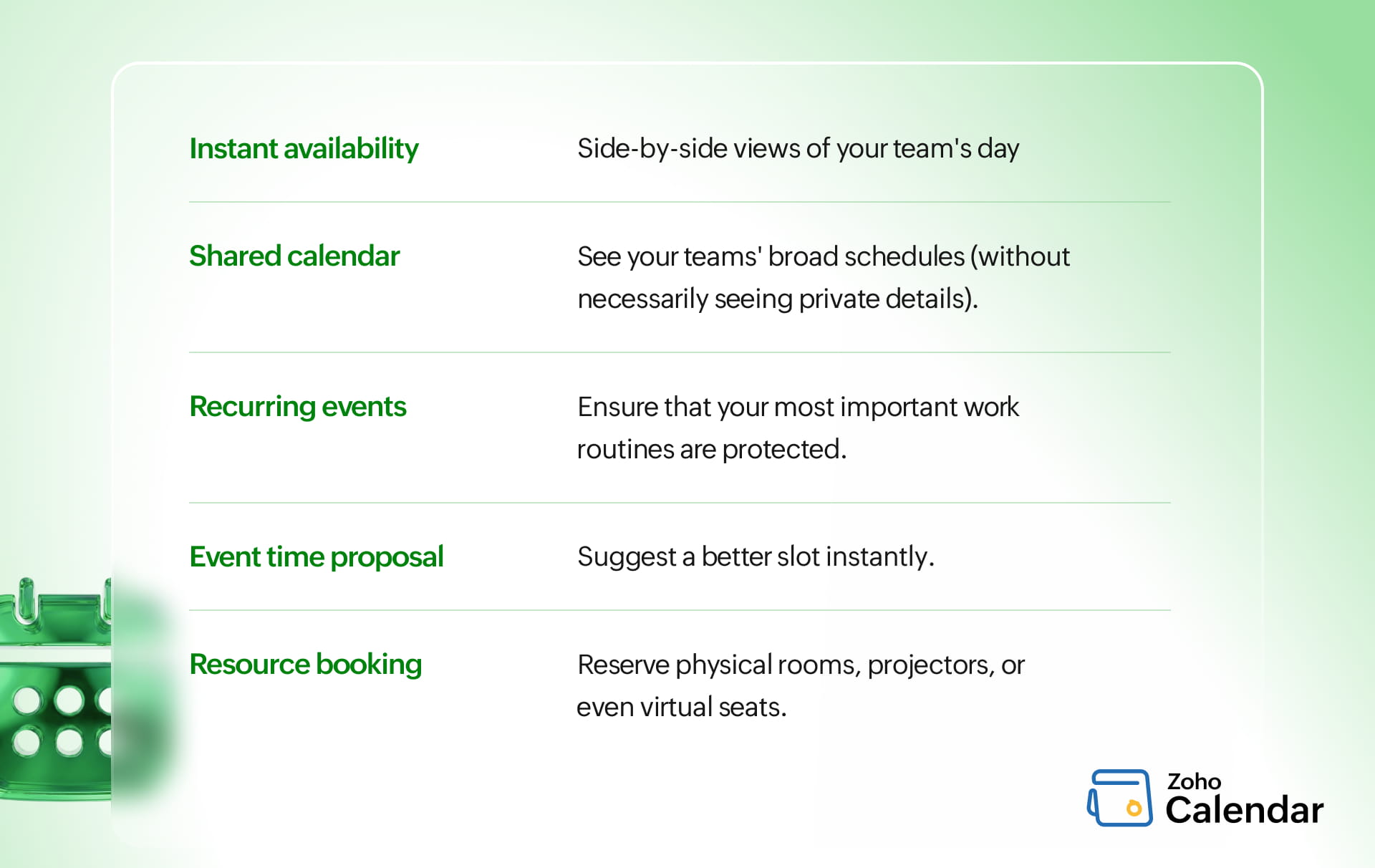
The broader point Zoho makes — that integration between Zoho Calendar, Zoho Meeting, and Zoho Mail is what separates a productivity engine from a collection of utilities — holds up in practice. When a client or prospect books time through a Zoho Calendar Appointment Booking link, the meeting link is already in the confirmation, both calendars are updated, and nothing falls through.
Compare that to a workflow where someone books through a third-party tool, the host has to manually create a video call link, and the invite gets sent separately. The second workflow isn’t just slower; it’s a reliability risk. Things get missed.
Who Gets the Most Out of This
If your team is entirely internal and small, the appointment booking feature matters less than the shared calendar visibility and meeting integration. But the moment you’re scheduling with clients, vendors, or prospects regularly — sales teams, consultants, support leads, anyone with an external-facing calendar — Zoho Calendar Appointment Booking starts paying for itself in recovered time almost immediately. The time zone handling alone is worth it for distributed teams; the system does the math so neither party has to.
If you’re already on Zoho Workplace and haven’t set up appointment booking yet, that’s the first thing worth configuring this week. The feature is already included in your subscription — it just needs to be turned on and pointed at your availability.